More than half of Notion Mail users never open the inbox. Notion is shutting it down.
Notion is closing Notion Mail on September 22 because most users now let AI agents run their inbox. Here's what to export before September 21.
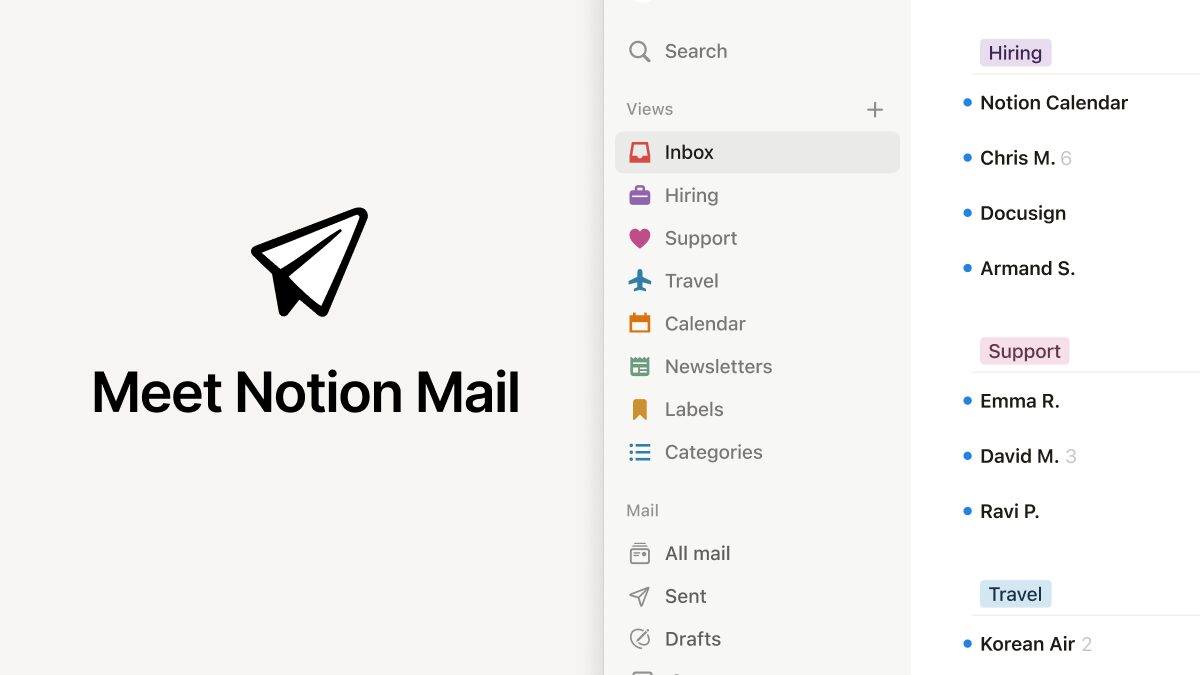
Notion is shutting down Notion Mail on September 22. The reason it gave is the striking part: more than half of Notion Mail users already run their inbox through AI agents and never open the app. So Notion is retiring the interface and going all in on the agents instead.
Why Notion is pulling the plug
Announced on June 25, the shutdown moves fast: the Mail app, including its Mac and iOS clients, goes dark on September 22, first spotted by 9to5Mac in a post on X. Notion Mail wasn’t a failed side project: it launched broadly in April 2025 as an AI-enhanced front end for Gmail, built on Skiff, the encrypted-productivity startup Notion bought in February 2024. The pitch was an inbox that sorts, drafts, and labels itself. It worked well enough that people stopped opening it. That makes this a rare shutdown, the kind where the automation did the whole job and the app around it stopped earning its place. For anyone betting that agents will replace the interfaces people click through today, it reads as an early marker of how that plays out.
That’s the twist Notion leaned into. In its announcement, the company put it plainly: “Today, more than half of Notion Mail users manage emails without ever opening their inbox. So, we’re going all in on using agents to run your inbox.” Read that again. The app is being retired because the AI got good enough to run the inbox unattended. That left the human-facing interface with nothing to do. Notion says its email agents keep working after the app is gone; only the standalone inbox disappears.
What you keep, what you export
Most of your email is safe, because Notion Mail never really owned it. “Notion Mail always synced two ways with Gmail,” the company’s help page notes, “so every email you received or sent in Notion Mail also exists in your Gmail inbox.” Point another client at that same Gmail account and your history is all there. The trouble is the handful of things that only ever lived inside the app.
Those Notion-only items have a hard deadline of September 21, the day before shutdown. Export them before then or they’re gone for good, per Notion’s help page:
- Drafts you haven’t sent yet
- Scheduled emails queued to go out later
- Snippets, the saved reply templates
- Auto-label instructions, the rules that sorted your inbox
Snippets with a file attached need those files downloaded separately, by September 22. After the cutoff, anything you didn’t export is deleted.
What’s still unclear
Notion hasn’t said how many people used Notion Mail in the first place, so “more than half” is a percentage without a denominator. Fifty-something percent of a small base tells a different story than the same share of a large one. The company also hasn’t detailed what the agent-only workflow looks like for people who liked having an app to open, or whether Skiff’s old encryption promises carry over to an agent that reads your mail for you. And there’s the obvious question for anyone who adopted Notion Mail 15 months ago: what stops the replacement from being sunset next?
What this means for you
If you use Notion Mail, do one thing this week: export your drafts, scheduled sends, snippets, and label rules before September 21. Your actual email stays in Gmail, so switching clients is painless; it’s the Notion-only bits that vanish for good. Then pick where you land. If you liked the auto-sorting, Superhuman, Shortwave, and Gmail’s own AI features cover similar ground. If you were happy letting agents run the inbox, that’s the workflow Notion is doubling down on, so staying put is the low-friction option. The bigger takeaway is worth sitting with. Notion just killed a polished product because its own automation made the UI redundant, and it won’t be the last team to face that math. When the agent does the job, the app around it is the first thing to go.
Share this article