SteamOS 3.8 now runs on the ROG Ally, not just Valve's Steam Deck
SteamOS 3.8 is stable, with a new kernel, Steam Machine support, and official builds for the ROG Ally and other handhelds. The Windows monopoly on handhelds just cracked.
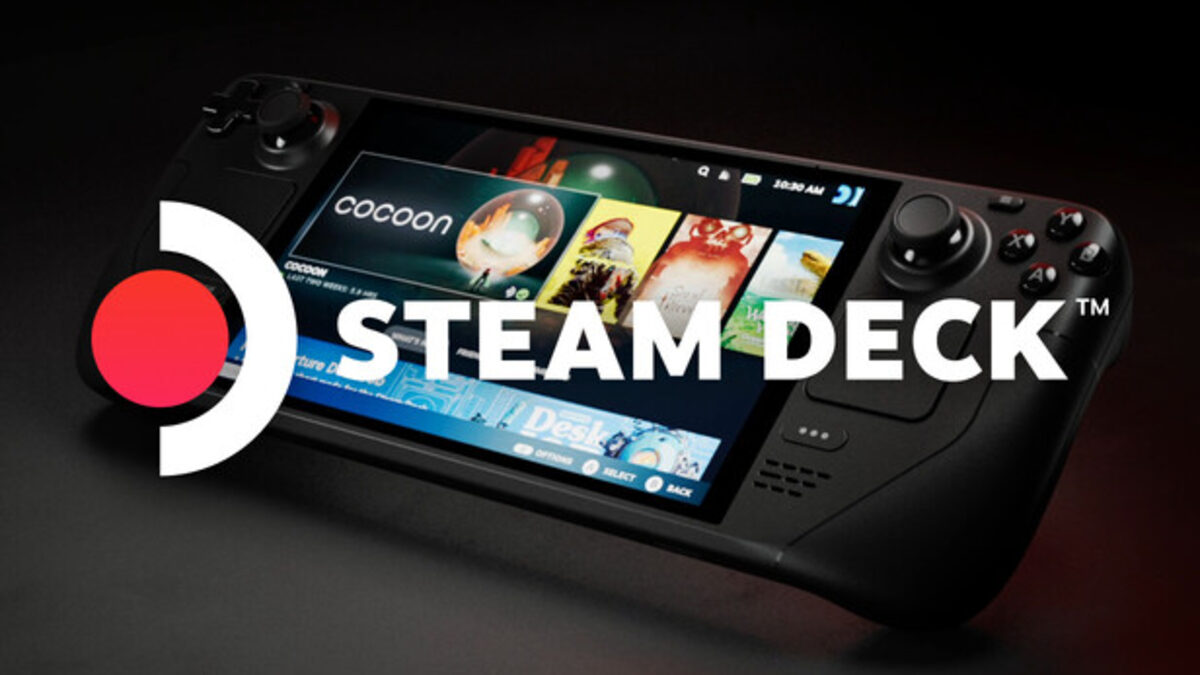
Valve pushed SteamOS 3.8 to the stable channel on June 17, and the headline feature isn’t the new kernel. It’s the device list. The same OS that ships on the Steam Deck now installs, officially, on the ASUS ROG Xbox Ally, the Lenovo Legion Go 2, the MSI Claw, and other AMD handhelds.
For three years SteamOS was a Deck-only thing. That era is over, and it changes the default. Buy a gaming handheld that isn’t a Steam Deck and until now you got Windows 11, a desktop OS bolted onto a 7-inch screen with a battery to match. SteamOS escaping Valve’s own hardware gives those buyers a console-style alternative that boots into a game library instead of a taskbar. Years of Deck polish, now portable to gear from other vendors. That’s the story underneath the changelog.
What actually changed in 3.8
The release notes are dense, but a few items carry weight. SteamOS 3.8 moves to the Linux 6.16 kernel and ships an updated graphics driver with, per Valve’s release notes, “performance and stability fixes” plus the missing graphics features needed to run titles like Crimson Desert. The stable build landed as 3.8.10 and folds in everything since the 3.7 series.
There’s also a quieter line that points at Valve’s next hardware: “initial support for upcoming Steam Machine hardware.” The Steam Machine, Valve’s living-room box, runs the same OS, so the work that makes 3.8 boot on more silicon is the same work that makes the Machine ship. One codebase, three form factors. That convergence is the strategic point. Valve isn’t maintaining a handheld OS and a desktop OS and a console OS. It’s maintaining SteamOS, and every device that runs it widens the install base that game developers target.
The most concrete win is latency. Valve says handheld controller input latency dropped from roughly 5 to 8 milliseconds down to between 100 and 500 microseconds on supported devices. That’s a 10x-plus cut on the input path. You won’t read a spec sheet and feel it, but you’ll feel it in a platformer where a frame of input lag is the gap between a clean jump and a death. The graphics-driver work is the same shape of fix: invisible until a specific game needs a feature it was missing, then suddenly the difference between a title that launches and one that crashes on a black screen.
Official non-Deck support, explained
Here’s the part people keep getting wrong. You could already run SteamOS-like setups on a ROG Ally. The catch was how. It meant community forks, Bazzite installs, or unofficial recovery images and a lot of forum tinkering. As XDA put it, running SteamOS on non-Deck hardware “used to require tinkering, forks, or community builds” and now “will feel intentional, and official.”
What “official” buys you is the boring stuff that actually matters: the controller maps, the TDP slider that throttles the chip for battery life, the speaker audio, the firmware quirks per device. SteamOS 3.8 adds or sharpens that support for the ROG Xbox Ally series, the Legion Go 2 (down to controller RGB settings), OneXPlayer’s X1 and F1 lines, GPD’s Win 5 and Win Mini, the Anbernic Win600, and MSI Claw devices. Different vendors, one supported install path.
Because SteamOS is an immutable OS, updates arrive as a single signed image that can roll back if something breaks. On a handheld with no keyboard, that’s not a nicety. It’s the difference between a device you trust and a Linux project you babysit. The community forks proved the demand long before Valve blessed it, and the broader open-source gaming stack has been filling these gaps for years, from emulators to the tools covered in our roundup of open-source game-dev tooling. Valve shipping official support doesn’t replace that ecosystem. It puts a vendor-backed floor under it.
SteamOS vs Windows on a handheld
Windows wasn’t built for this. It assumes a mouse, a desktop, and a wall socket. On a handheld it brings background updates that wake the device, a Game Bar that fights the controller, and sleep-resume that loses your place. Valve’s bet, validated over three years of Deck shipping, is that a console-shaped Linux does the job better.
Early hands-on numbers back the bet. Testers who put SteamOS 3.8 on a ROG Ally before the official build reported it outperforming the Steam Deck at a 15-watt power profile, which is the comparison that matters: same OS, beefier chip, more frames per watt. Microsoft sees the threat. The ROG Xbox Ally is Microsoft’s own answer, a handheld-tuned Windows skin, and the fact that it’s now also a first-class SteamOS target tells you which way the platform wind is blowing.
The cost angle is real too. SteamOS is free. A Windows handheld pays the Windows tax somewhere, in the BOM or in the experience. Strip that out and the value math on a $500 handheld shifts. There’s a strategic wrinkle for the rest of the industry as well. Sony has been leaning into PC ports, with PlayStation’s own pivot away from pure single-player exclusives under Hermen Hulst sending more first-party games to Steam. The more games live on Steam, the more pull a free, Steam-native OS has on whatever hardware you run it on. SteamOS spreading to third-party handhelds compounds that: every device that boots into Steam is a device where Valve’s storefront, not Microsoft’s, is the front door.
Where Proton and anti-cheat still bite
None of this works without Proton, Valve’s Windows-to-Linux translation layer, and Proton has hard edges. The vast Steam catalog runs, often better than on Windows, but the exceptions are loud. Competitive multiplayer games with kernel-level anti-cheat (think the holdouts that never flipped on Linux support) still don’t run, because the anti-cheat refuses to load outside Windows. That’s a vendor decision, not a Proton bug, and SteamOS 3.8 doesn’t change it.
Game-specific gremlins persist too. The 3.8 notes call out fixes for SpongeBob SquarePants and Star Wars Jedi: Survivor, which is great, and also a reminder that these get fixed one title at a time. If your most-played game is on the wrong side of the anti-cheat line, none of the handheld progress helps you. Check ProtonDB for your actual library before you wipe Windows. That’s not optional advice.
DRM is its own moving target. Some games wrap their executables in protection layers that have historically tripped on Linux, and the cat-and-mouse never really stops, as the recent crack of 2K’s Denuvo-protected titles showed on the PC side. Proton handles most of it transparently now, but a launch-day title with aggressive DRM can still be a coin flip in week one. The pattern with SteamOS has been that these resolve within a patch cycle or two, which is fine if you’re patient and a problem if you bought the handheld to play one specific game tonight.
What this means for you
If you own a ROG Ally, a Legion Go, or an MSI Claw and you’ve been Windows-cramped on it, SteamOS 3.8 is the first time the swap is officially blessed rather than a weekend project. Back up first, confirm your top five games on ProtonDB, and try it. If you’re shopping for a handheld, the calculus just changed: the OS is no longer locked to the hardware, so you can pick the chip you want and run the console-style software you want on top. The one group that should wait is anyone whose main game ships kernel anti-cheat with no Linux build. For everyone else, the Windows default on handhelds just stopped being the only answer.
Share this article
Quick reference
Sources
Frequently Asked
- Can I install SteamOS 3.8 on a ROG Ally right now?
- Yes. SteamOS 3.8 adds official controller, TDP, and audio support for the ROG Xbox Ally series, so the install is supported rather than a community workaround. Back up Windows first.
- Does SteamOS replace Windows entirely on a handheld?
- It can. SteamOS boots straight into a game-library interface and drops the Windows desktop overhead, though it also drops Windows-only apps and any game that needs kernel-level anti-cheat.
- Which handhelds does SteamOS 3.8 support?
- Beyond the Steam Deck, the release improves support for the ROG Xbox Ally, Lenovo Legion Go 2, MSI Claw, OneXPlayer X1 and F1, GPD Win 5 and Win Mini, and the Anbernic Win600.
- Will my games actually run?
- Most Steam titles run through Proton, often faster than on Windows. The exceptions are multiplayer games with kernel anti-cheat that blocks Linux. Check ProtonDB for your library before switching.