A browser SSD timing trick can fingerprint your browsing, and cookies won't stop it
Graz researchers built FROST, a browser side-channel that times SSD activity to guess which sites and apps you're running. Here's how it works and what helps.
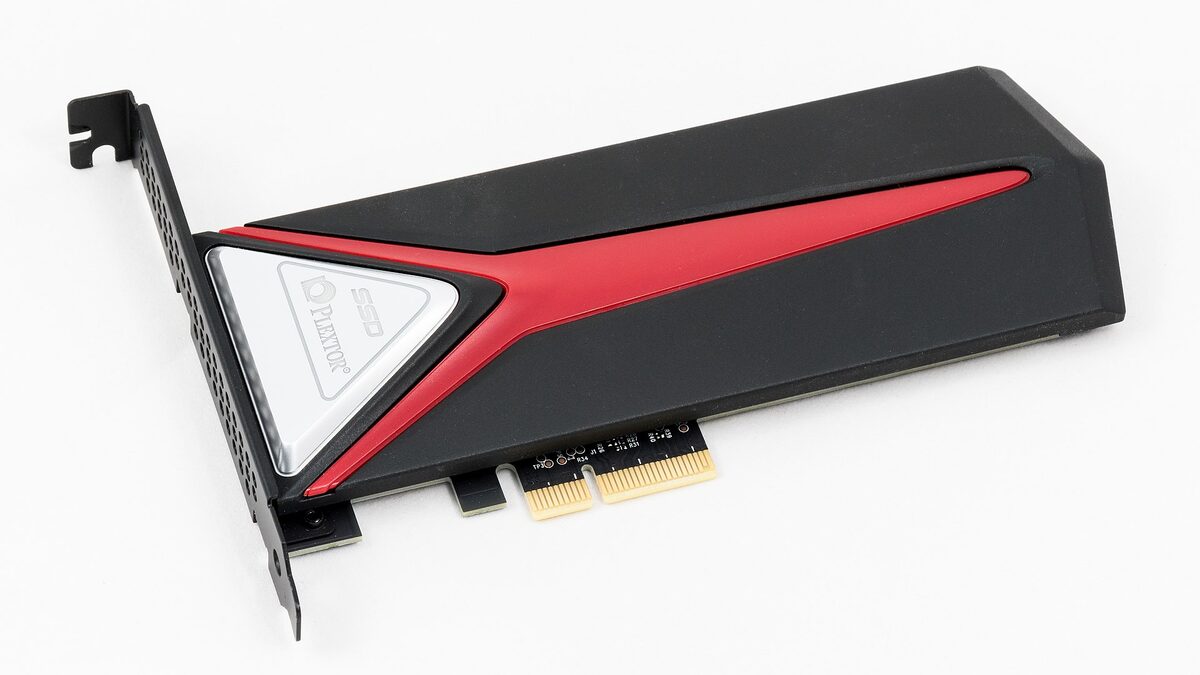
A team at Graz University of Technology just showed your browser can rat on you through your SSD. Their attack, named FROST, runs as ordinary JavaScript in a tab and watches how fast your solid-state drive responds. From that timing alone, it guesses which sites you’re visiting and which apps you have open.
That last part is what makes this worth your attention. Most tracking you’ve learned to fight leaves a trace you can delete: a cookie, a local-storage key, a tracking pixel. FROST leaves none of those. It reads a physical side effect of your computer doing work, which means the usual privacy hygiene, blocking cookies, clearing site data, running a tracker blocker, does nothing against it. The researchers presented the full paper ahead of the DIMVA security conference in July 2026, and Ars Technica flagged it as a new class of browser spying.
What FROST actually does
FROST stands for Fingerprinting Remotely using OPFS-based SSD Timing. Strip the acronym and it’s simpler than it sounds. Your SSD can only do so many reads and writes at once. When two programs hit the same drive at the same time, they slow each other down a little. That slowdown is measurable. FROST measures it from inside a web page and turns the pattern into a guess about what else your computer is doing.
The clever part is how a web page gets to poke your disk at all. Modern browsers ship a feature called the Origin Private File System, which hands every website a private, sandboxed chunk of real storage. It exists so web apps like online photo editors and IDEs can save large files locally without nagging you for permission every time. FROST abuses it. The attack script creates one enormous file, big enough that it can’t sit entirely in your computer’s fast memory, which forces every read to go all the way down to the physical SSD. Then it reads from that file over and over and times each read.
When you open Gmail in another tab, or launch Slack, or start a video render, those programs touch the same drive. The contention shows up as tiny latency spikes in FROST’s own reads. A convolutional neural network trained on those spike patterns matches them to known activity. The whole thing happens with, in the authors’ words, “no native code execution” and “without any user interaction” beyond the click that loaded the malicious page.
This isn’t the first SSD timing attack, but it’s the one that escaped. Earlier work by Juffinger and colleagues pulled off the same contention trick, yet it needed a low-level kernel interface like Linux’s io_uring, which means native code already running on the target. FROST’s contribution is doing it from JavaScript, inside the sandbox, with nothing installed. The paper calls itself “the first to demonstrate that the Origin Private File System (OPFS) can be exploited remotely from JavaScript in the browser to leak sensitive information from a victim’s system without any user interaction.” That sandbox was supposed to be the wall. FROST climbed it using a feature meant to make web apps faster.
How well it works
Well enough to take seriously. On macOS, the researchers report an F1 score of 88.95% for guessing which of the top 50 websites a victim visited in a closed-world test, and 95.83% for identifying running applications. In a harder open-world test, where the target site might not be on the known list, website fingerprinting still scored 86.95%. F1 blends precision and recall, so a number near 90 means the guesses are both frequent and usually right.
They also built a covert channel, a hidden pipe for sneaking data out of a native app to the malicious website, clocking 661.63 bits per second on Linux and 891.77 bits per second on macOS. That’s slow by network standards but plenty for leaking small secrets across a boundary that’s supposed to be airtight.
A few honest limits. The attack needs the victim’s other activity to hit the same physical disk as the browser, which is the normal case on a laptop with one SSD but not on a workstation with separate drives. It works on macOS and Linux in the paper; the authors didn’t claim Windows results. And one Linux setup using profile-sync-daemon, which keeps browser data in RAM, dodged the zero-click version entirely. None of that makes a typical user safe. It just narrows the corner cases.
Why browsers haven’t fixed it
Here’s the uncomfortable bit. The Graz team disclosed responsibly to Google, Mozilla, and Apple before publishing. The responses were tepid. Chromium’s security team said it doesn’t consider fingerprinting attacks to be security vulnerabilities. Apple called the attack out of scope for now, while leaving the door open to a future mitigation. Mozilla acknowledged the findings but hasn’t shipped anything.
That stance isn’t lazy, exactly. Side-channel defenses usually mean breaking something legitimate. The cleanest fix the authors name is capping how much OPFS storage a site can grab without explicit permission. Hold the file under about a gigabyte and it fits in memory, the SSD never gets hit, and the timing signal vanishes. But a determined attacker can spin up multiple origins, each with its own storage budget, and rebuild the big file across them. Browsers could also treat file-system access as a cross-origin resource and clamp timer precision when OPFS is in use, the same trick that blunted earlier cache attacks like Spectre.
The storage limits browsers already enforce don’t help much here either. Chromium-based browsers and Safari let a single site claim up to 60% of your total disk for OPFS; Firefox caps each origin at 10 GB. Either ceiling is far more than the gigabyte or two FROST needs to overflow memory and reach the physical drive. The Firefox limit is per-origin, so an attacker just registers a handful of subdomains and stacks their budgets. Browsers also don’t surface OPFS usage anywhere obvious, which is why a sharp-eyed user might only catch the attack by noticing free space vanish.
The nuclear option, requiring a permission click before any site touches OPFS, would gut the feature for the web apps it was built for. And as the paper dryly notes, once users are “trained to automatically accept permission requests,” they’ll click yes on the attacker’s dialog too. This is the same bind that keeps showing up across web privacy, from Instagram quietly dropping its end-to-end encryption push to the scramble for genuinely private search. Convenience features keep opening doors that nobody quite wants to close.
What this means for you
Don’t panic, but don’t shrug either. FROST isn’t loose in the wild yet, it’s a research demo, and pulling it off needs you to click a malicious link and keep that tab open while you do other things. It can’t read your files or grab your passwords; it’s a privacy attack, not a theft one. The realistic threat is a site learning what you browse and what you run, which is exactly the profile that ad-tech and stalkerware would love.
Practical steps, in order of effort. Close tabs you don’t trust, especially long-lived ones from sketchy sites, since the attack needs time to watch you. If you do sensitive work, putting it on a separate physical drive from your browser starves the side-channel of signal. Watch your free disk space; the zero-click version eats gigabytes, and a sudden drop is a tell. And keep your browser updated, because the moment Mozilla or Apple does ship a storage cap or timer clamp, it’ll arrive in a routine patch. My read: this is a “watch the changelog” story, not a “pull the ethernet cable” one. But it’s a clear reminder that the browser you trust is also the most powerful sensor on your machine.
Share this article
Quick reference
Sources
- FROST: Fingerprinting Remotely using OPFS-based SSD Timing — Graz University of Technology
- Websites have a new way to spy on visitors: analyzing their SSD activity — Ars Technica
- Websites can spy on user activity by analyzing SSD behavior — Help Net Security
Frequently Asked
- What is the FROST attack?
- FROST is a browser side-channel built by Graz University of Technology researchers. It uses JavaScript to time how fast your SSD responds, then guesses which sites and apps you're running from the timing pattern.
- Does blocking cookies stop FROST?
- No. FROST never reads or writes a cookie. It infers your activity from storage timing, so cookie blockers, tracker lists, and clearing site data don't touch it.
- Which browsers are affected?
- The researchers demonstrated it on macOS and Linux against browsers that support the Origin Private File System, which covers all major desktop browsers since 2023. They disclosed to Google, Mozilla, and Apple.
- Can FROST read my files or steal passwords?
- No. It stays inside the browser sandbox and only measures timing. It can't read your documents. The risk is privacy: learning what you do, not stealing what you have.
- What can I actually do about it today?
- There's no toggle that kills it. A second physical drive for sensitive work, watching for sudden disk-space spikes, and closing attacker tabs all reduce exposure until browsers ship a mitigation.